See the customer's setup before you answer
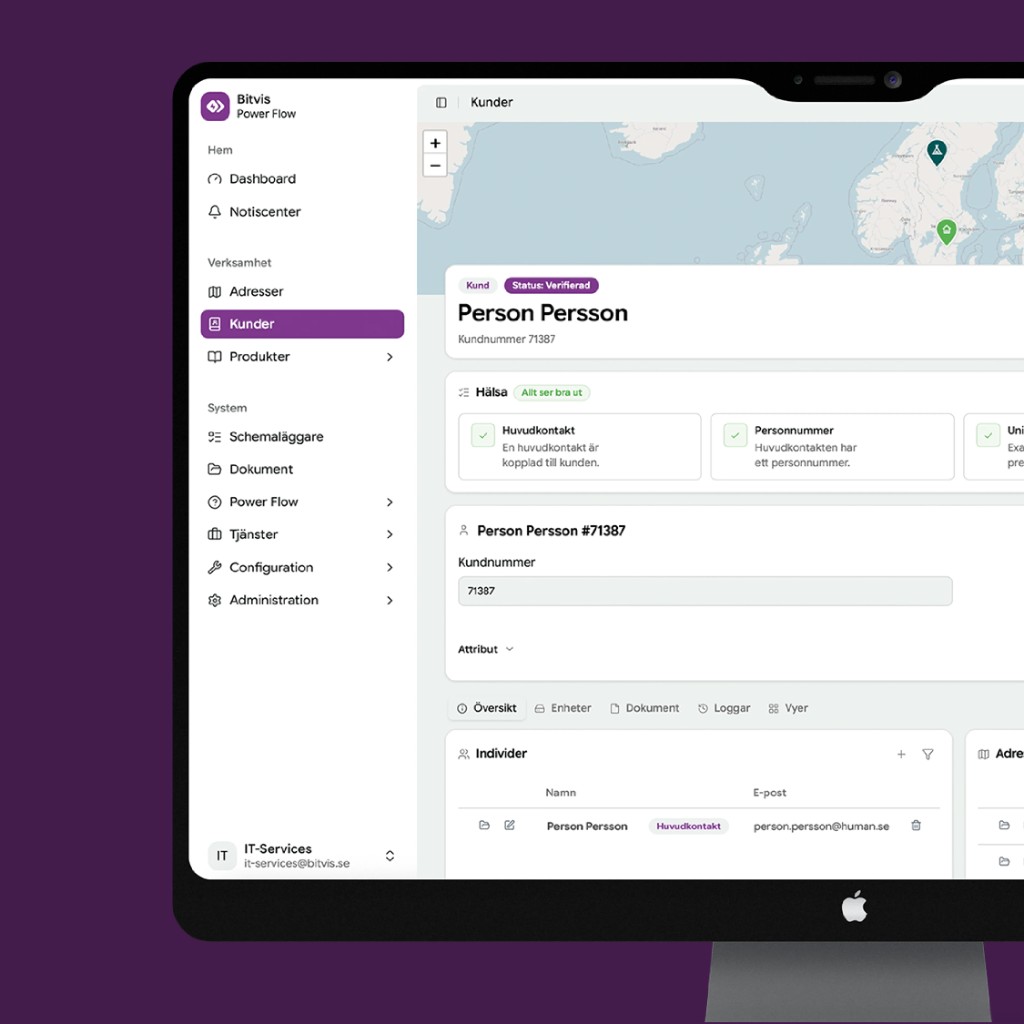
In Dashboard, customer service sees the customer's account, settings and connected devices. That helps the team decide whether the question can be solved directly or needs to be handed over to Bitvis.

Dashboard
Dashboard är arbetsytan för support, uppföljning och hantering av kunder och anslutna enheter. Här arbetar energibolagets team med Power Flow.
In Dashboard, customer service sees the customer's account, settings and connected devices. That helps the team decide whether the question can be solved directly or needs to be handed over to Bitvis.
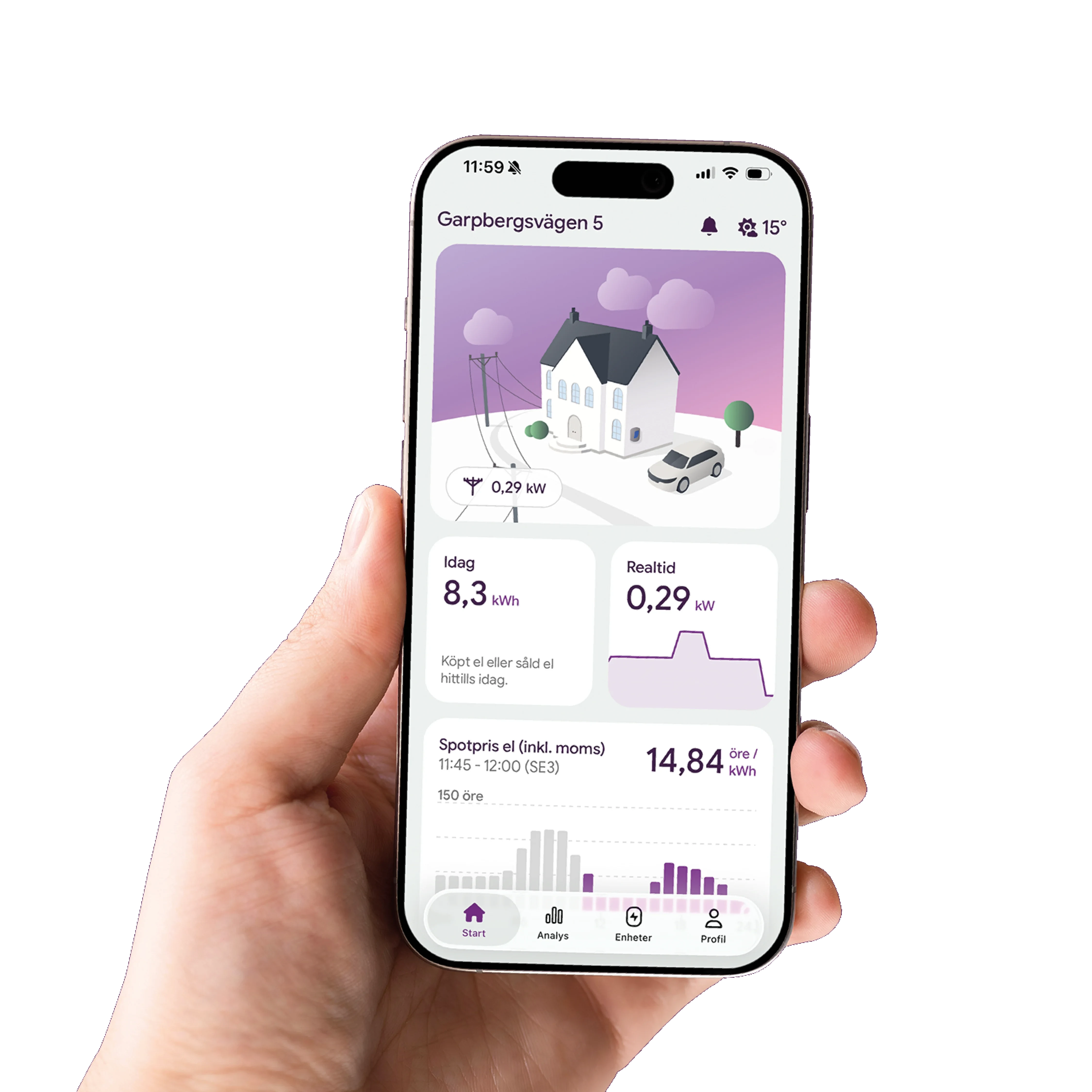
The customer follows and controls electricity use in the app. In Dashboard your team works with customer accounts, connected devices and support.
See Power Flow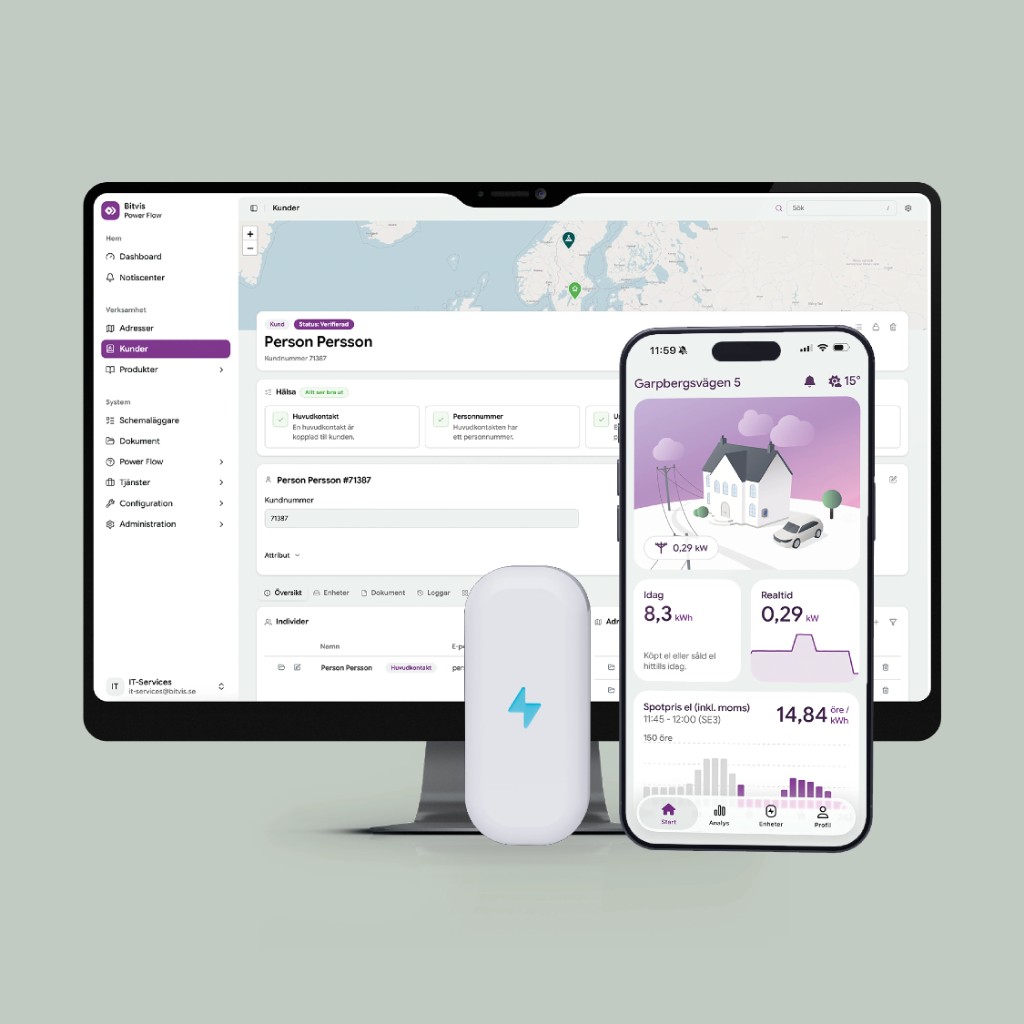
See which features customers use and which devices they have connected.
Customer service sees which devices the customer has connected and their current status.
See which customers have connected a given device or use a given feature. That makes it easier to judge who is affected by a change or an offer.
Combine information from Dashboard with recurring questions from customer service. This makes it clearer where information or ways of working need to improve.
Dashboard works with the same customer accounts and connected devices as the rest of Power Flow. Customer service, product and operations can therefore work from the same information while using it for different tasks.
See Power AppWhen a case needs technical troubleshooting, the customer account, settings and connected devices are gathered in Dashboard. Bitvis can start troubleshooting without first collecting the same information again.
See Power Flow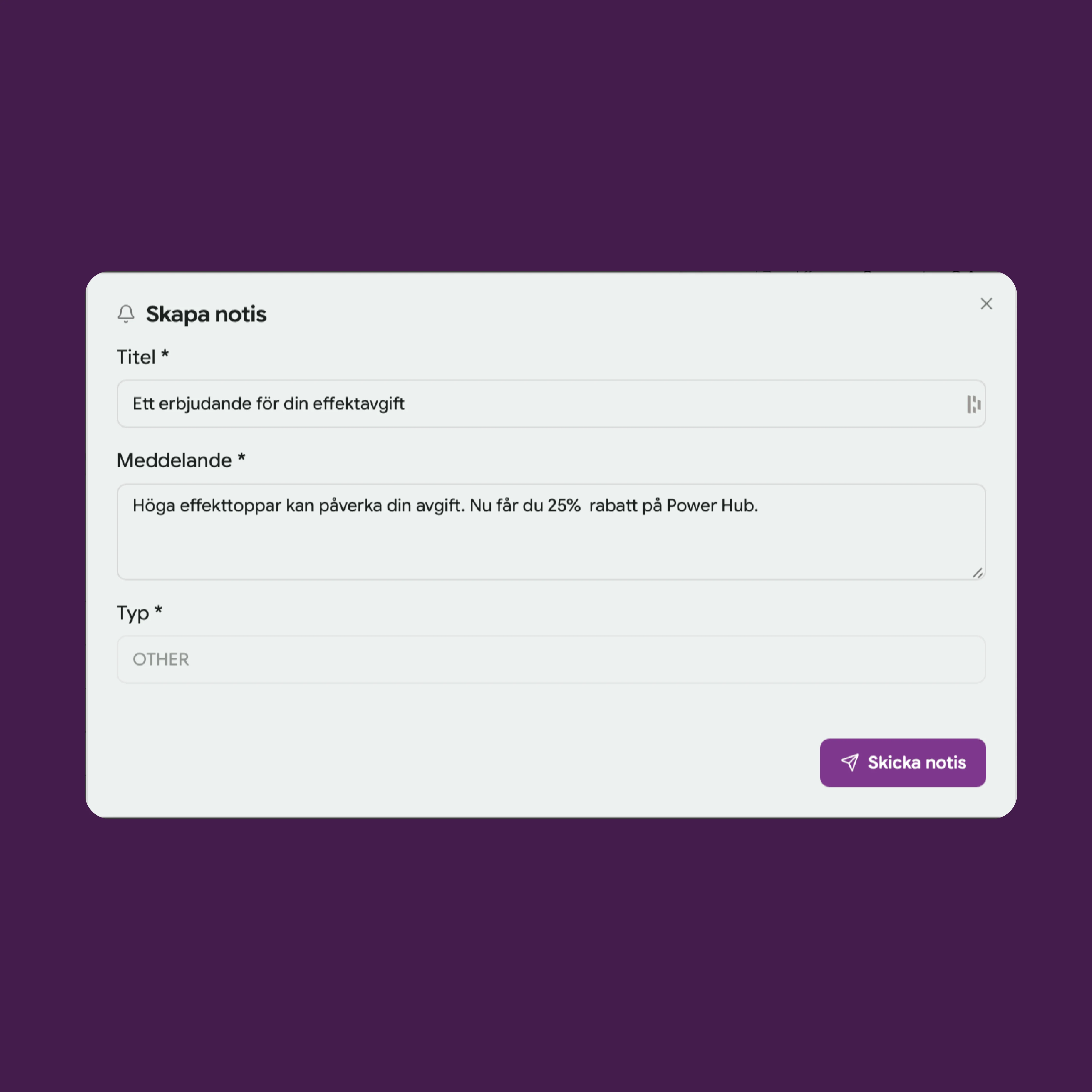
Gustav shows how customer service and operations use Dashboard, what information is available and how technical cases are handed over.
Book a meeting